| What I was supposed to do | What I got done |
|---|---|
| Pen Practice | Practiced using http://bezier.method.ac/ |
| Start Portrait Project | Found stock image, place it in letter size document and resize to fit Sampled dark, middle and light values using the eye-dropper tool. Created a swatch to be reused.  |
Tuesday, January 2, 2018
1/2/18

Wednesday, December 6, 2017
12/6/17
DO NOW:
Continue working on Infographic Poster or Holiday Ornament
OBJECTIVES:
Finish/Submit Infographic Poster - Submit JPEG to Google+ Community
Finish/Submit "Where I would rather Be" in Google Classroom
Learn how to cut-out ornaments with Laser

Continue working on Infographic Poster or Holiday Ornament
OBJECTIVES:
Finish/Submit Infographic Poster - Submit JPEG to Google+ Community
Finish/Submit "Where I would rather Be" in Google Classroom
Learn how to cut-out ornaments with Laser

Tuesday, December 5, 2017

Monday, December 4, 2017
Infographic Poster
| What I was supposed to do | What I got done |
|---|---|
| Finish Planning |  |
| Start working in Illustrator | column 2 |
Wednesday, October 18, 2017
Pumpkin Project, News Story
| What I was supposed to do | What I got done |
|---|---|
| Finish Pumpkin Project | Applied Stamp Filter, Changed blending mode to multiply. Printed, cut and put on display.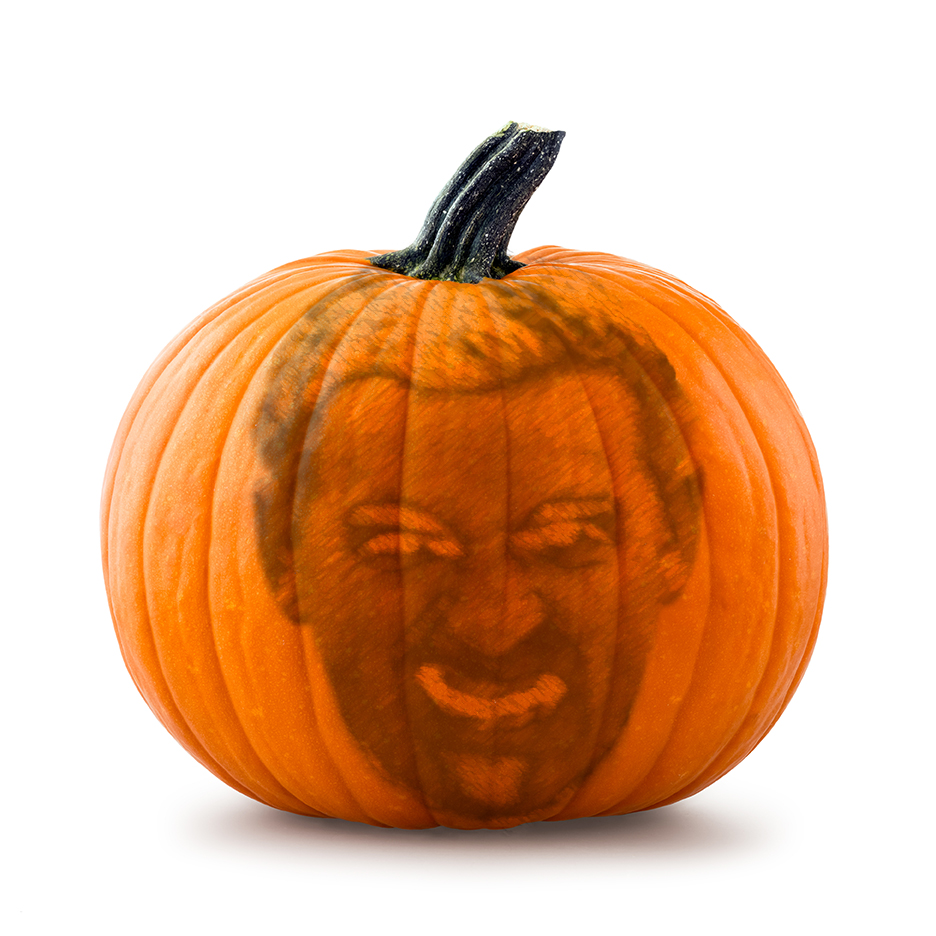 |
| Edit News Story Video |
|

Tuesday, October 17, 2017
Premiere Video Editing, Pumpkin Project
| What I was supposed to do | What I got done |
|---|---|
|
|
|
 |
Subscribe to:
Posts (Atom)